Reading Your Controller
Select a device in the sidebar and everything updates live (about 60 times a second), even when the window isn't focused. This page covers the sidebar, the header, buttons and hats. Axes and the stick tools have their own page: Axes and Sensors.
Which device is that?
The sidebar watches every connected device, not just the one you have selected. Press a button, move a hat or move an axis on any controller and its row lights a green dot with a badge naming the input, such as Btn 12 or Axis 1. The badge fades after about a second and a half. Click the row to open that device.
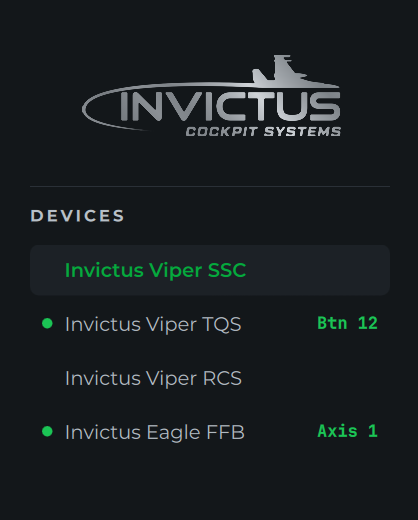
Crowded setup tip: with several sticks, throttles and button boxes plugged in, press the control you're unsure about and watch which row lights up. No need to click through each device to find it.
Small wobble on an axis doesn't count as movement, so a noisy pot won't keep a row lit.
Identical devices. When two devices report the same name (two of the same button box, or several virtual joysticks), the Probe numbers them, for example Button Box (1) and Button Box (2), so the activity badges, the event log and bounce tracking keep them apart.
Report rate
The Hz pill in the header shows how often the selected device sends updates to the PC. While the device is sending it shows the live rate; once it goes quiet it shows the highest rate it reached, labelled HZ PEAK. Hover the pill for the time between reports in milliseconds.
Most devices only send when something changes, so move an axis or press a button to read the rate. Typical values are 125, 250, 500 or 1000 Hz. If a device you expect to run at 1000 Hz reads much lower, check its firmware settings and try a different USB port.
Buttons
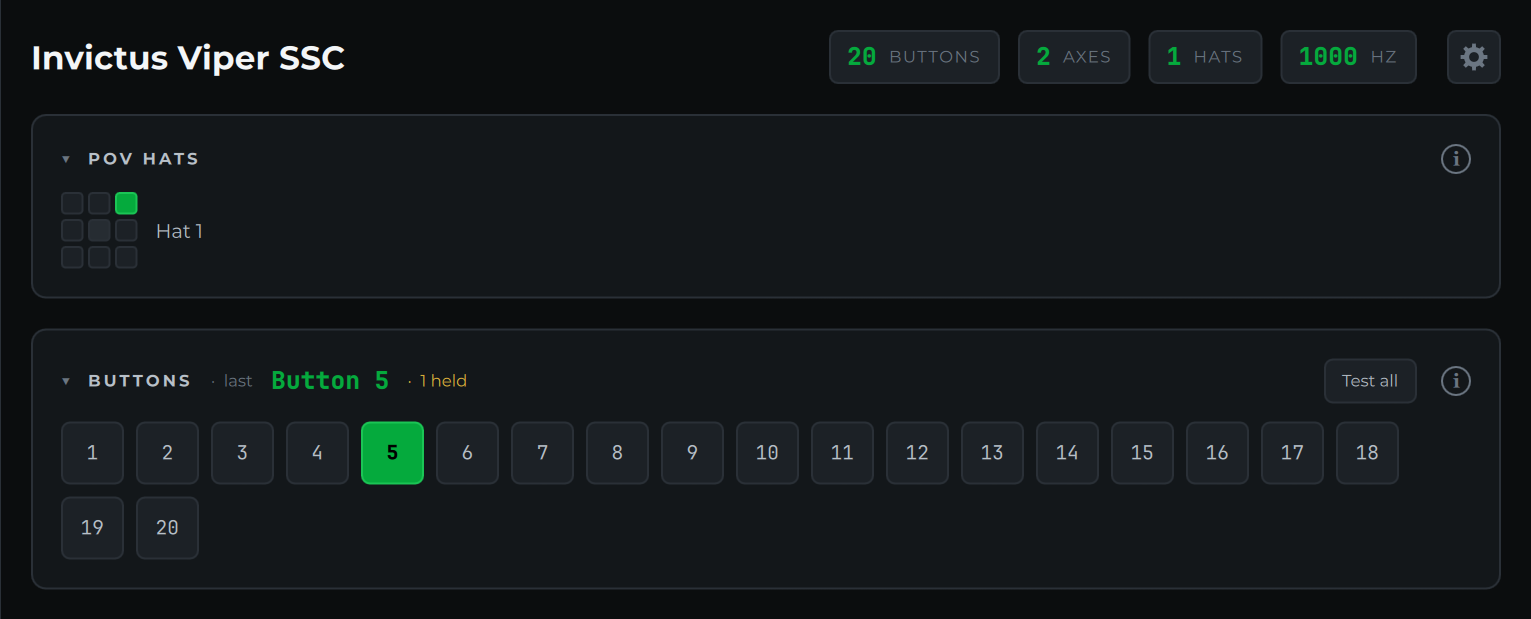
Each button lights green while held. The BUTTONS header shows the last button pressed and how many are currently held.
Binding tip: when you're assigning controls in DCS or BMS, press the button on your stick and read its number straight off the last pressed readout. No counting rows.
If you see a held count without touching anything, that button may be stuck or wired closed.
A button outlined in amber has shown switch bounce: it flickered on and off within a few milliseconds instead of changing once. See Switch bounce.
To check every button on a panel in one pass, use Test-All Mode.
POV hats
Each hat shows as a 3×3 pad; the active direction lights green, including diagonals. Hat moves also appear in the Event Log.